
Stream delivery logs to your own warehouse
Every delivery attempt, its status code and its latency, exported to S3, R2 or BigQuery every minute.
On this page3 sections
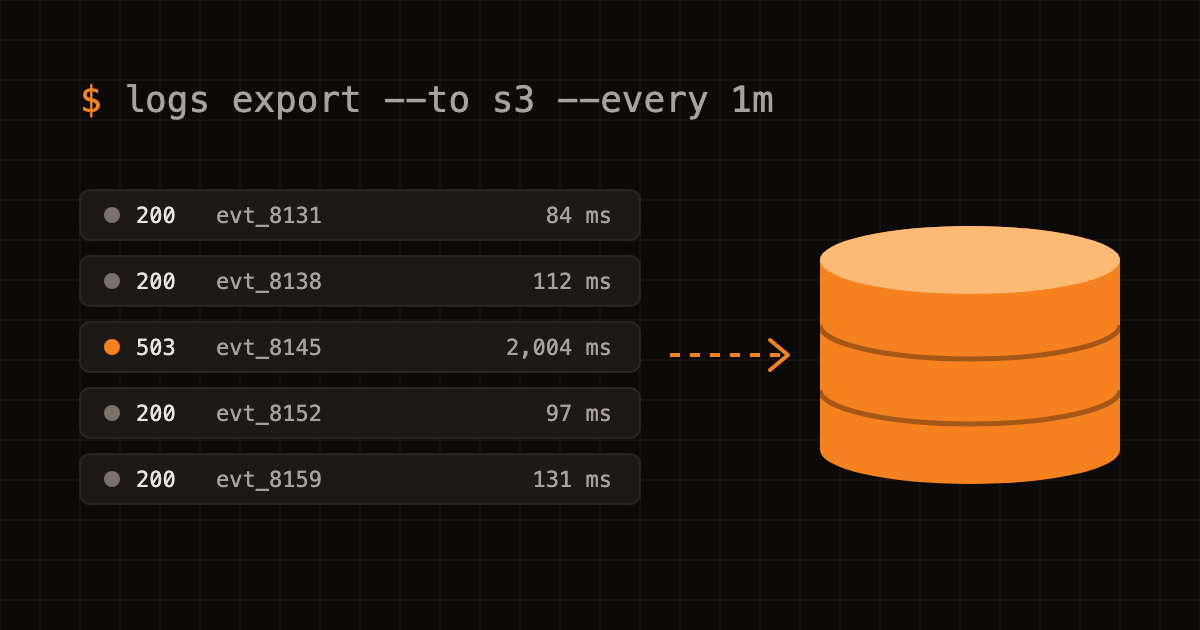
The Relaywave dashboard keeps 30 days of delivery logs. Many teams need more than that, or want to join webhook data with their own tables. Log export sends every delivery attempt to storage you own.
What gets exported
One JSON line per attempt:
{
  "messageId": "msg_01J9X4TQ8K2M",
  "endpointId": "ep_7Hk2",
  "eventType": "invoice.paid",
  "attempt": 2,
  "status": 200,
  "latencyMs": 184,
  "deliveredAt": "2026-08-26T09:14:02.511Z"
}
Bodies are not exported by default, because they often contain customer data. Turn on Include payloads if you need them.
Set it up
Put the destination’s credentials in a JSON file, then create the export:
Cloudflare R2
curl -X POST https://api.relaywave.dev/v1/log-exports \
  -H "Authorization: Bearer $RELAYWAVE_API_KEY" \
  -d @r2-export.json
Amazon S3
curl -X POST https://api.relaywave.dev/v1/log-exports \
  -H "Authorization: Bearer $RELAYWAVE_API_KEY" \
  -d @s3-export.json
BigQuery
curl -X POST https://api.relaywave.dev/v1/log-exports \
  -H "Authorization: Bearer $RELAYWAVE_API_KEY" \
  -d @bigquery-export.json
The JSON file holds type, the bucket or dataset and the credentials, listed in the API reference for each destination. Files land every 60 seconds as deliveries/2026/08/26/09-14.jsonl.gz.
A query to start with
The slowest endpoints over the last day, in BigQuery:
SELECT endpointId, APPROX_QUANTILES(latencyMs, 100)[OFFSET(95)] AS p95
FROM relaywave.deliveries
WHERE deliveredAt > TIMESTAMP_SUB(CURRENT_TIMESTAMP(), INTERVAL 1 DAY)
GROUP BY endpointId
ORDER BY p95 DESC
LIMIT 10;